BLOCKLORE | AI Creative Canvas
Seedance 2.5
Now live — the next generation of the Seedance video model. Try it today.
Evolving the Arena: From BLOCKLORDS to BLOCKLORE
BLOCKLORDS has officially evolved into BLOCKLORE: a node-based, collaborative AI generative canvas built to change how media is created, connected, and shared.
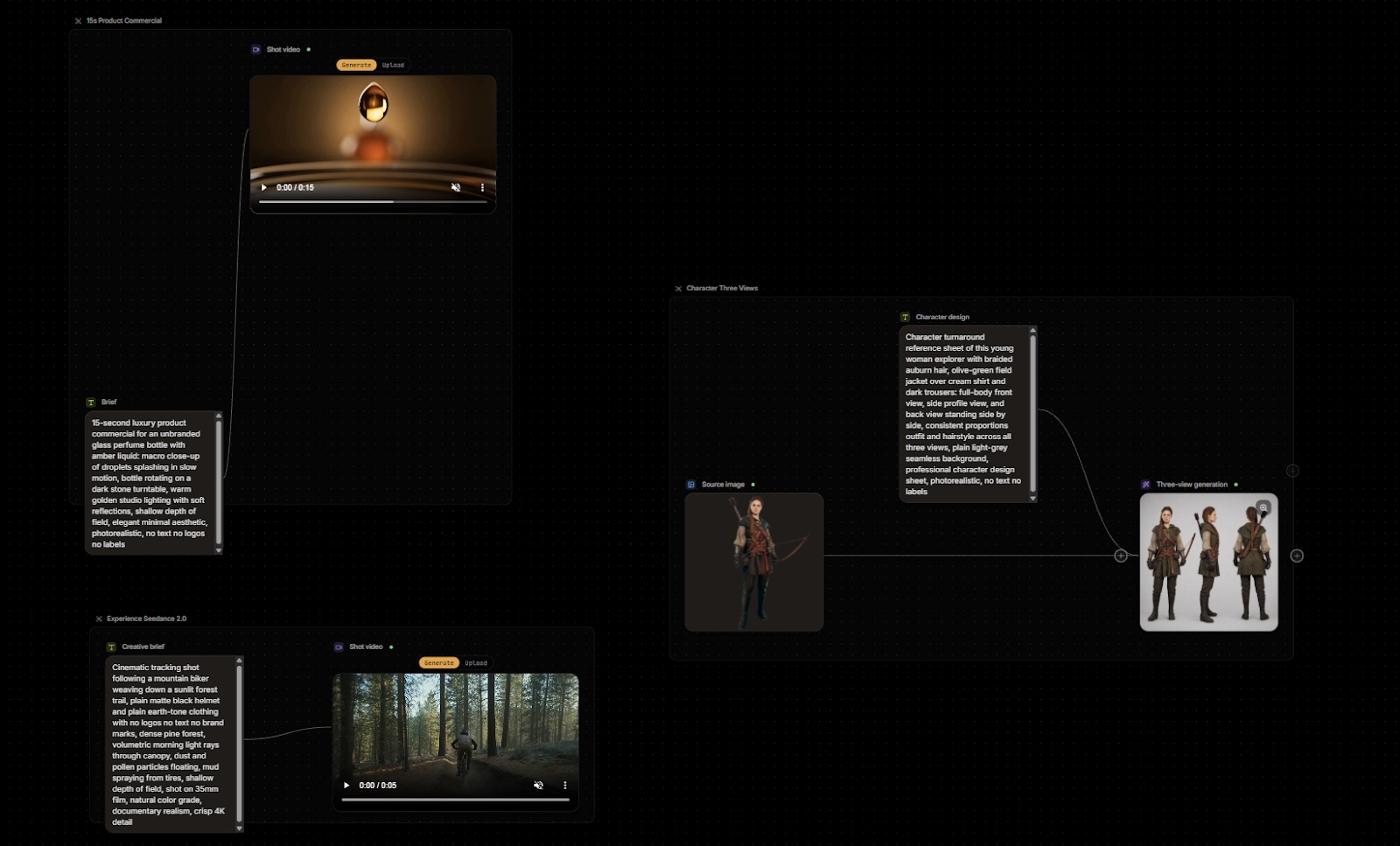
Mastering the Canvas: A Step-by-Step Guide to Creative Workflows
Prompting, generation, and video post-production converge on a single node-based surface. Here is how to navigate the {brandName} canvas, from its four core node types to the Director Stage, credits, and forking.
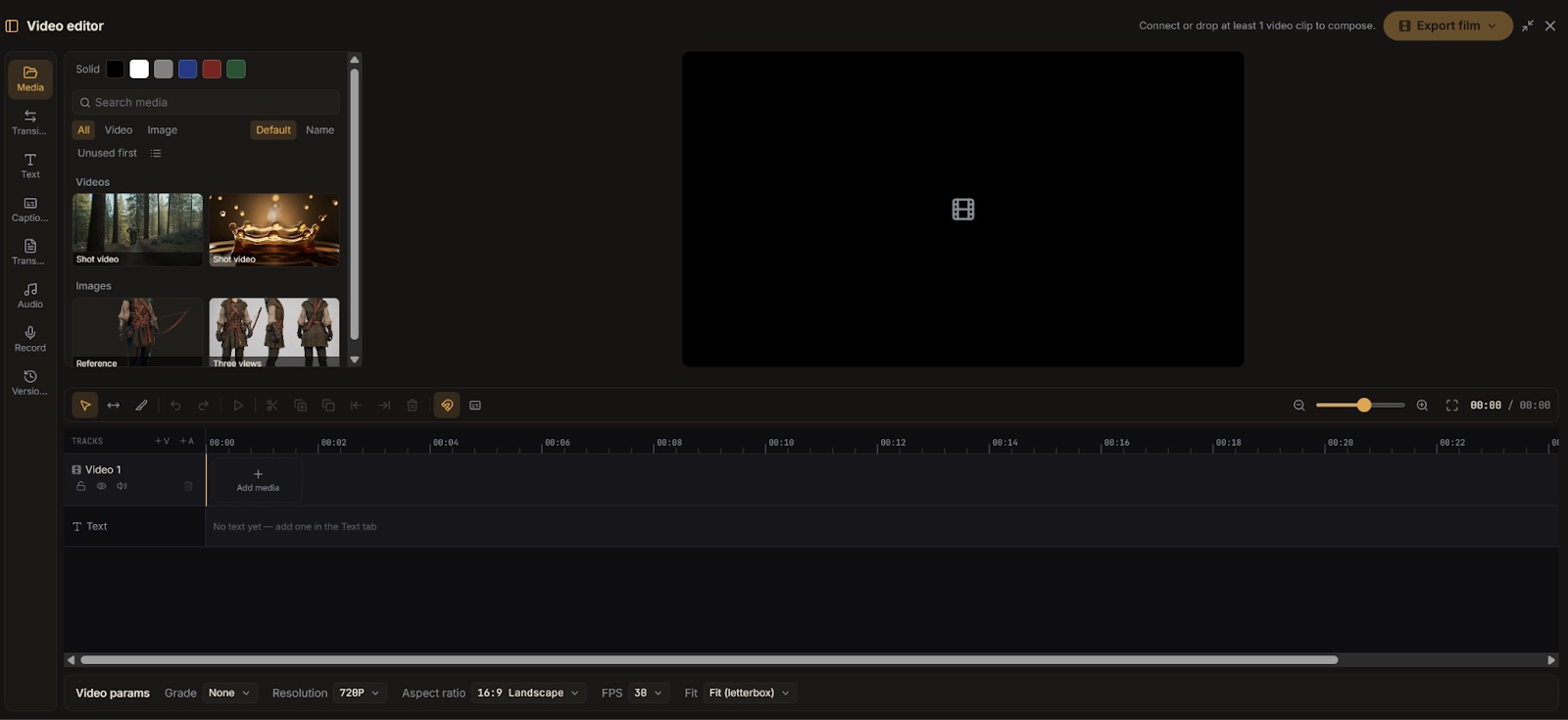
Video Editor Guide: Navigating the Timeline and Composing Final Motion Assets
The {brandName} video editor turns individual generations into one finished film: five sidebar tabs, multi-track assembly, frame-accurate trimming, global output parameters, and a one-click export.
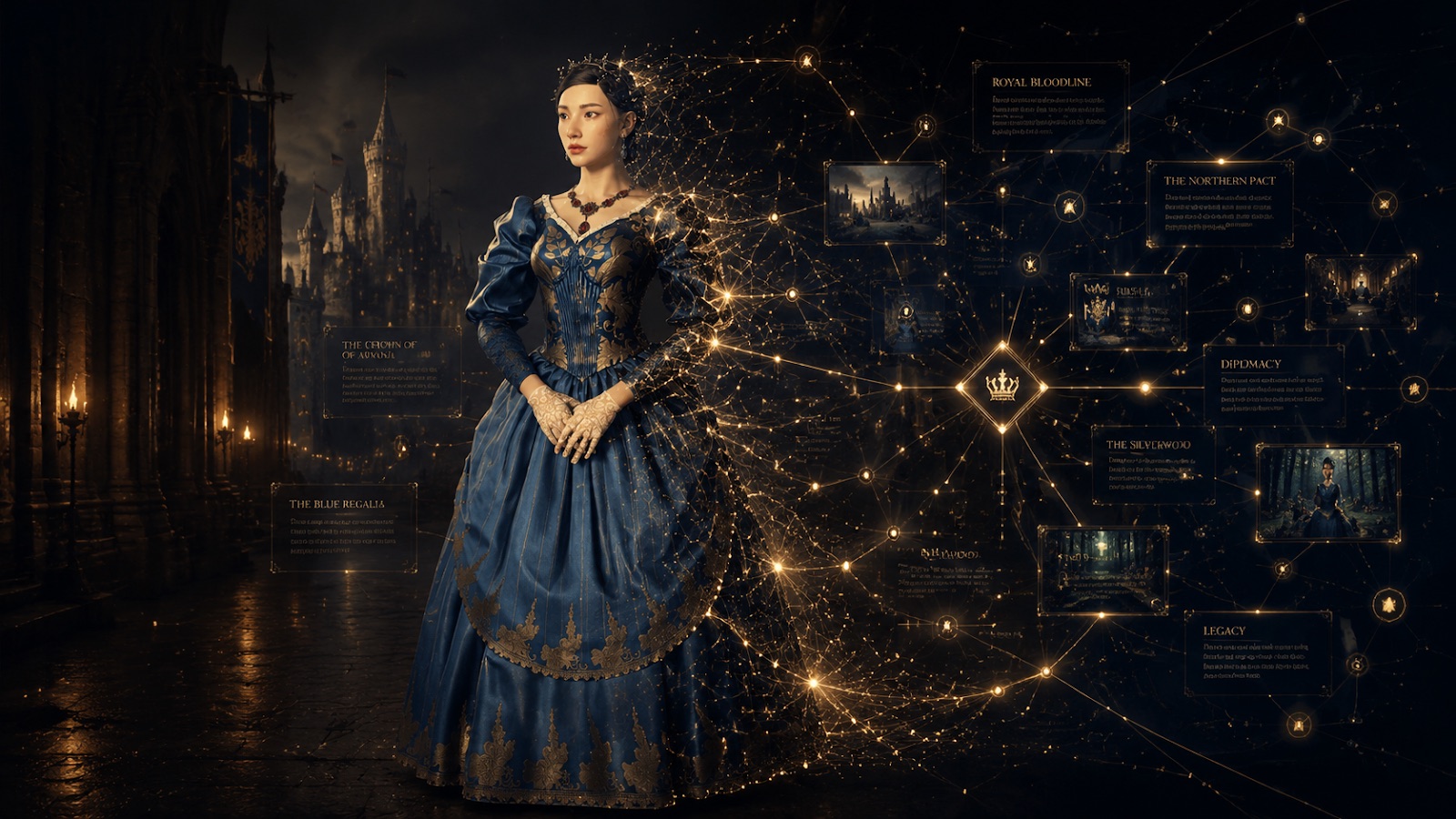
Visual Prompt Guide: Orchestrating Modular AI Generations on the Canvas
Stop writing one long paragraph. Split a scene into subject, environment, and aesthetic nodes, chain parents to children for style consistency, and let the Director Stage remove the guesswork.
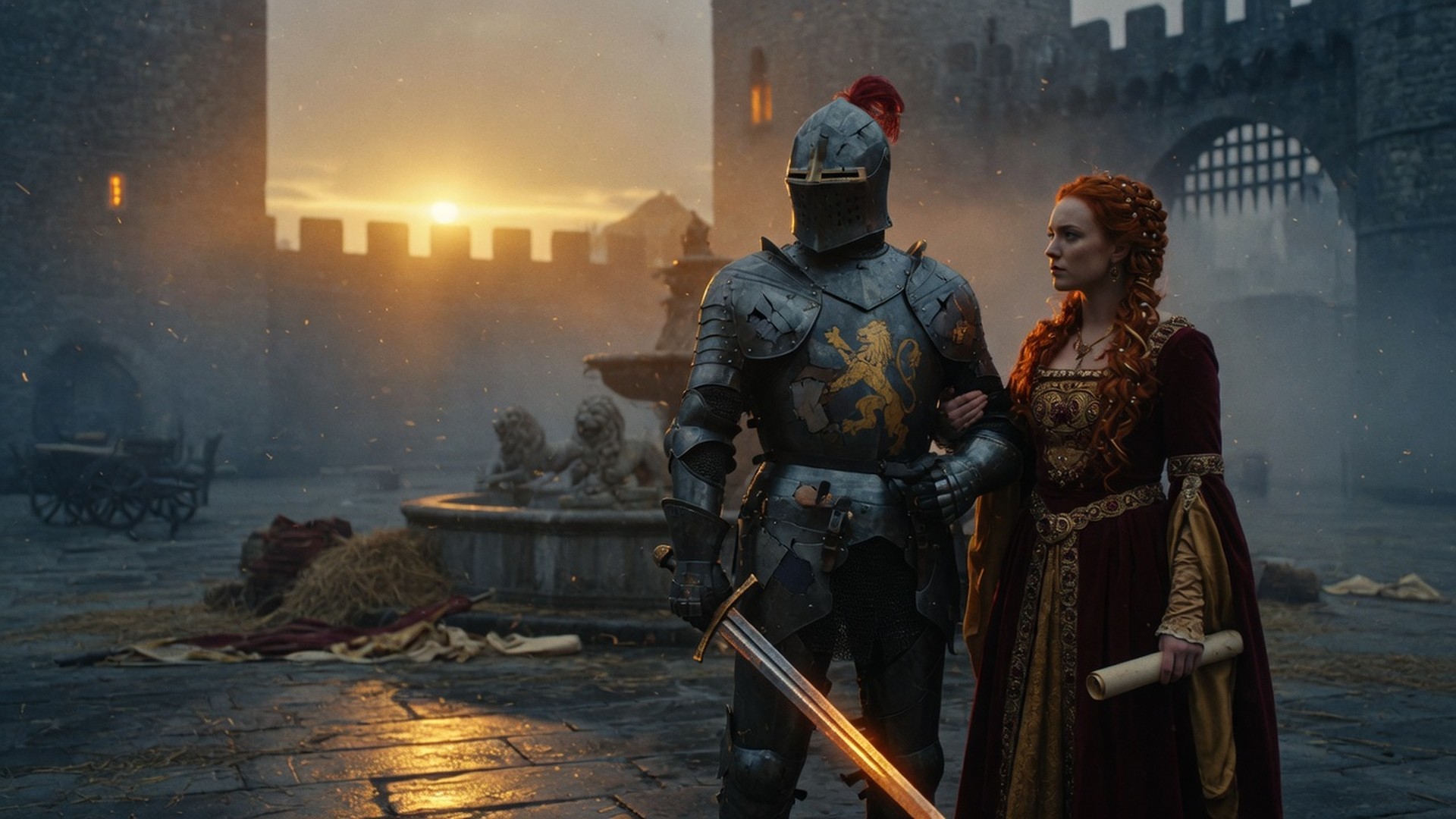
Explore community highlights
See what creators build with BLOCKLORE — open any workflow in one click.
Unlock membership
More credits, higher concurrency, faster generation.
Workspace
All canvasesJump back in, or start from a blank canvas
Community share
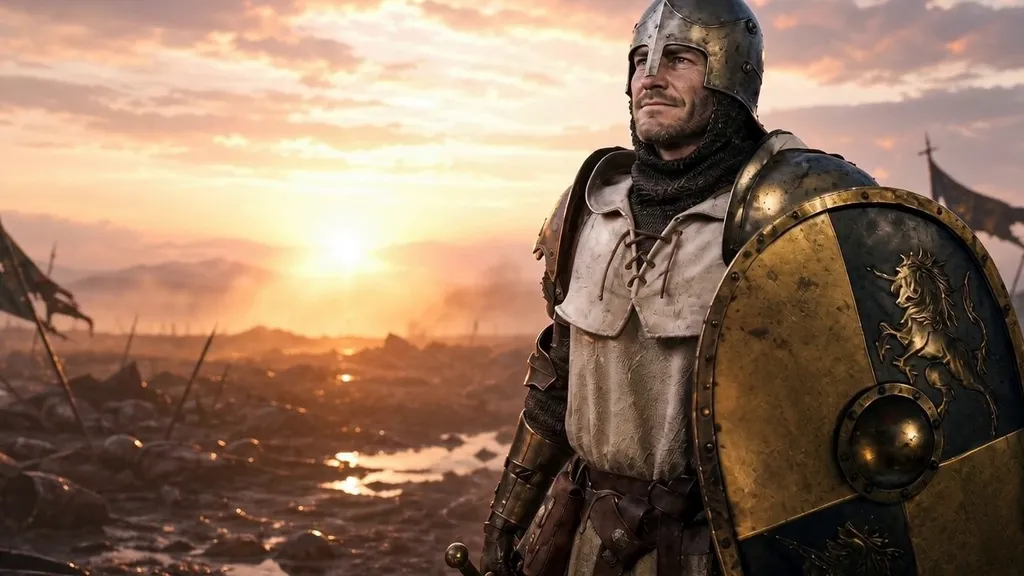
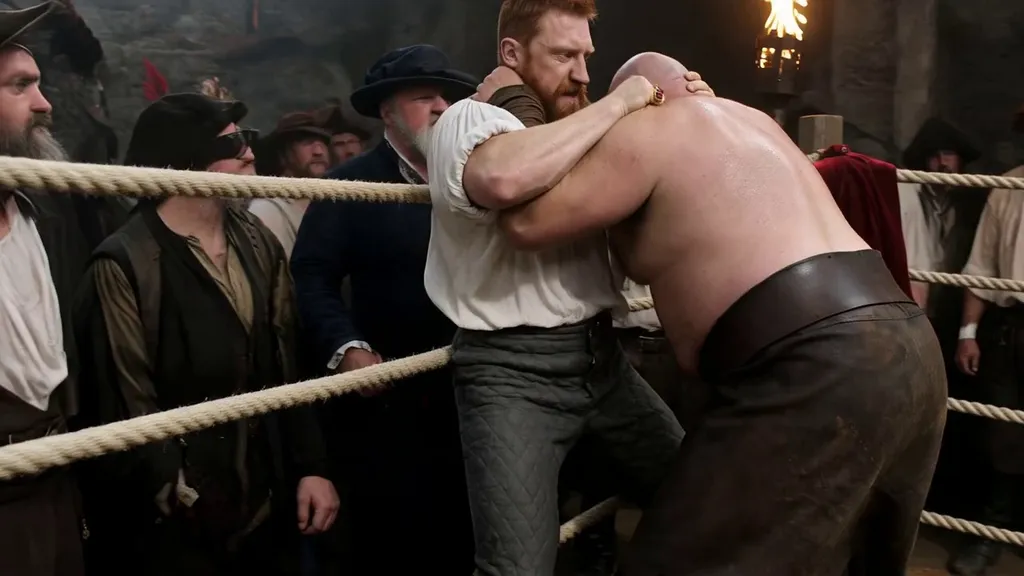
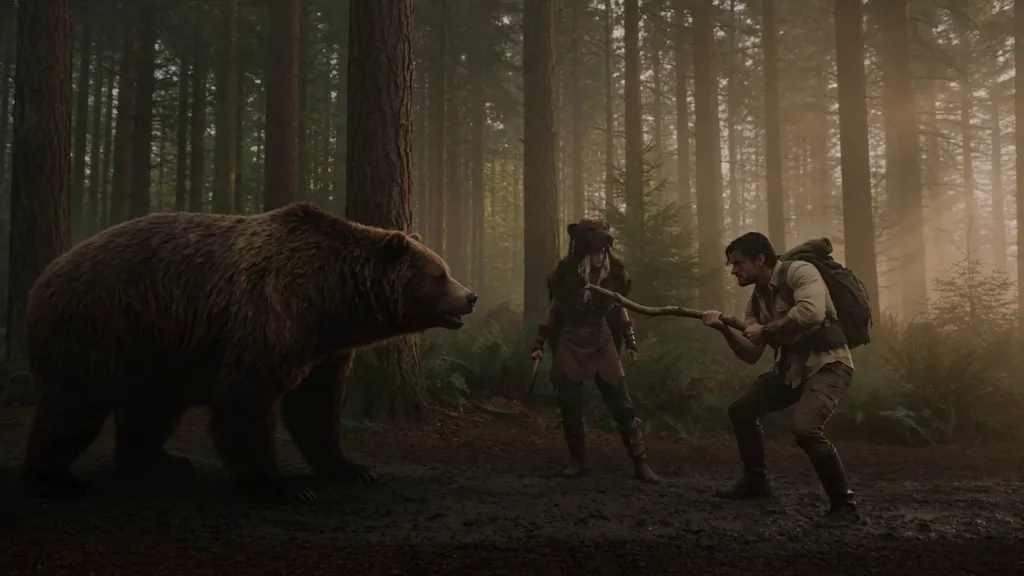
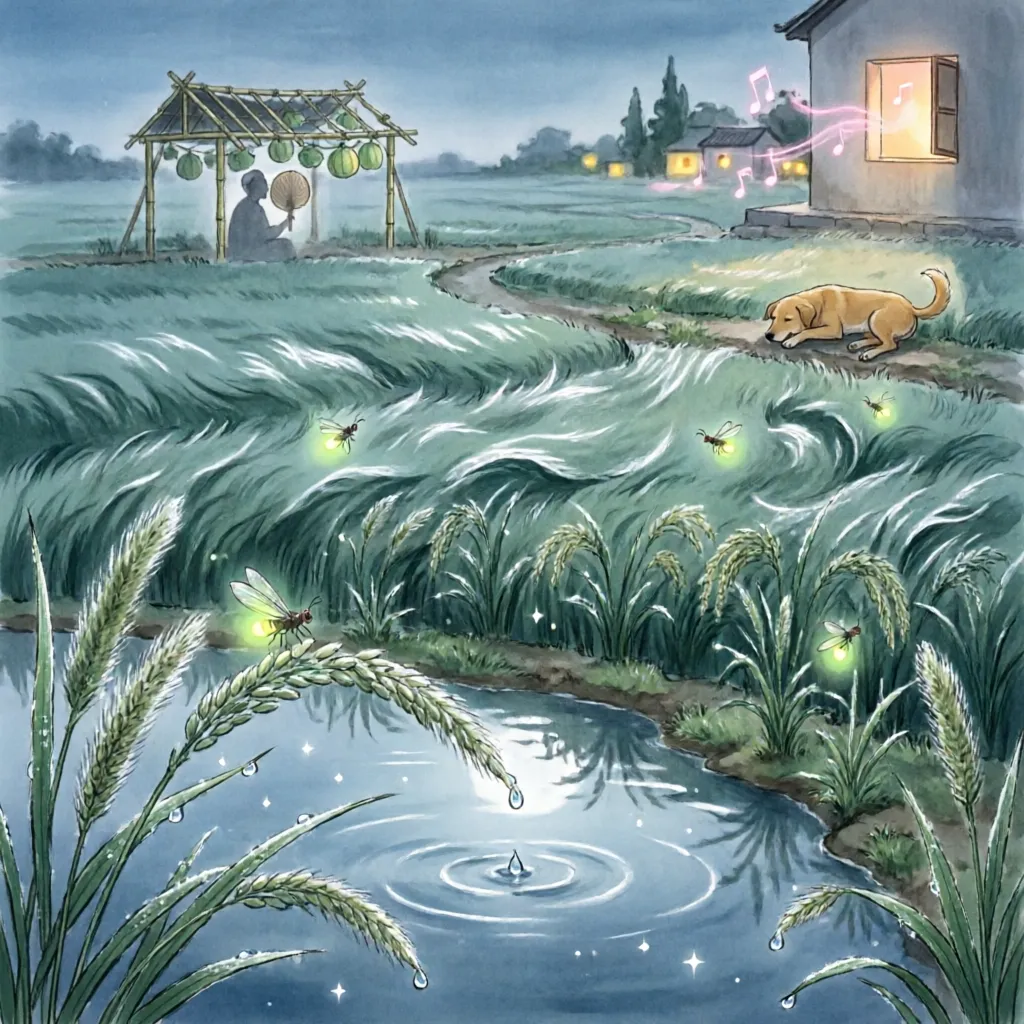
Fresh works from creators, updated all the time
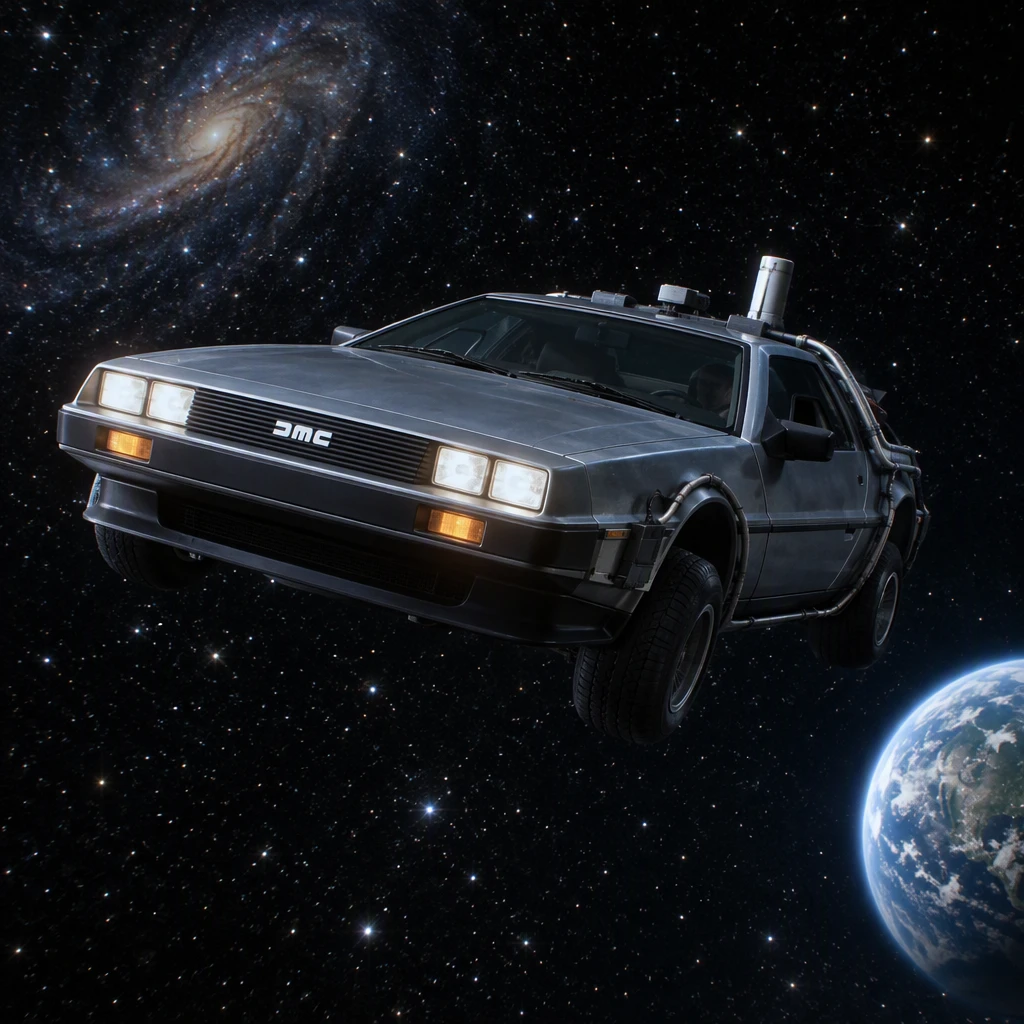

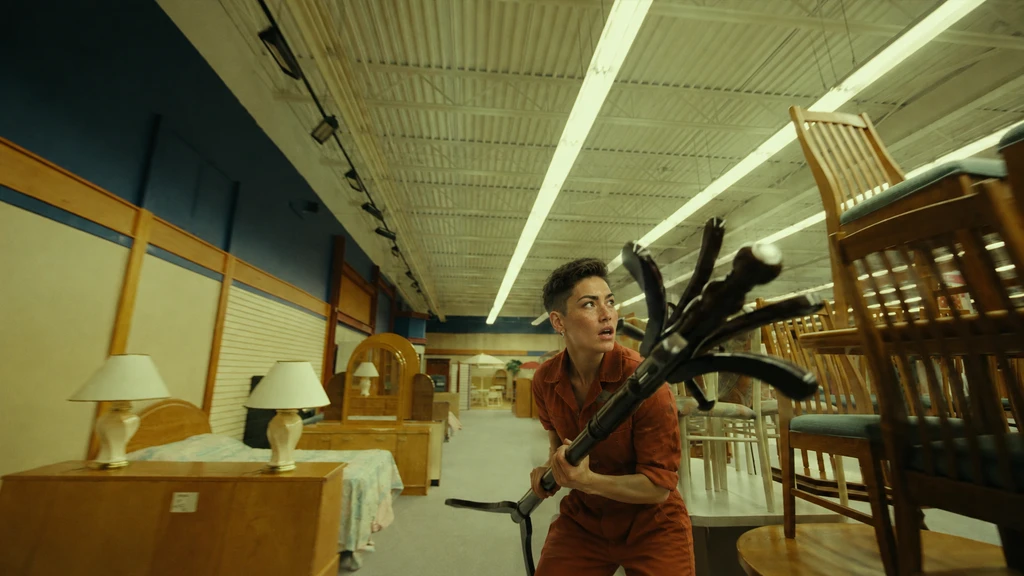

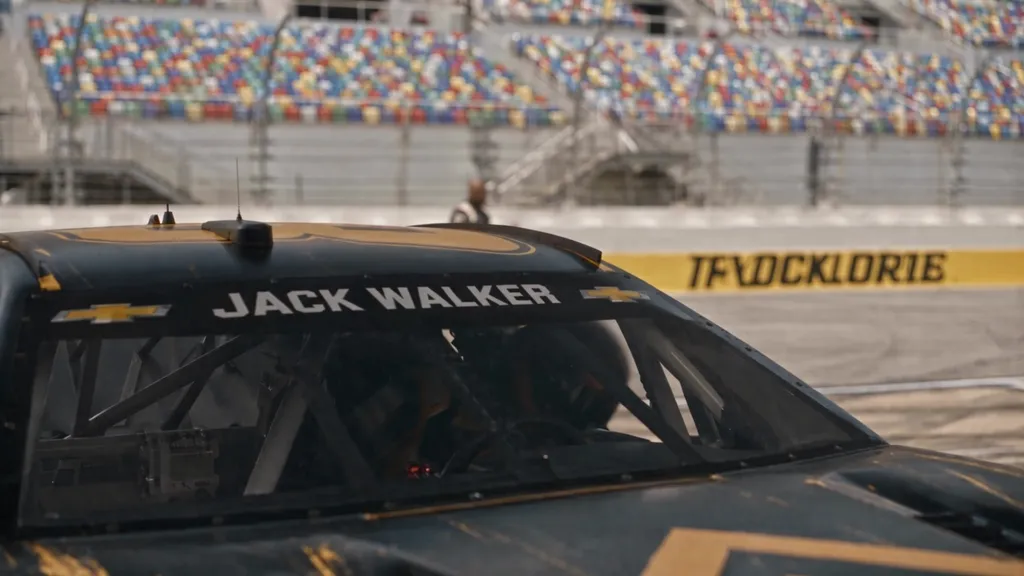


Blog
Product news, tutorials, and live contests
Meet the AI Agent That Runs Your Production Canvas
The canvas-based AI agent on BLOCKLORE takes on the producer role: it plans shots, generates video, music, and sound effects as connected nodes, handles revision requests in plain language, and keeps an entire production consistent from brief to final cut.

Seedance 2.5 Best Practices: A Beginner-Friendly Guide
Seedance 2.5 packs a lot of power into one prompt box. Here's how to get consistent results on BLOCKLORE - one shot at a time, a handful of tagged references, sound-aware prompts, and edits instead of re-rolls.
Seedance 2.5 Launch: New Models, UI Improvements, and Discounts
Seedance 2.5 goes live on BLOCKLORE alongside Wan 3.0, Qwen-Image 3.0 Pro, Grok Imagine, and OpenAI's GPT 5.6 lineup - plus a homepage overhaul and limited-time discounts.

Evolving the Arena: From BLOCKLORDS to BLOCKLORE
BLOCKLORDS has officially evolved into BLOCKLORE: a node-based, collaborative AI generative canvas built to change how media is created, connected, and shared.

Mastering the Canvas: A Step-by-Step Guide to Creative Workflows
Prompting, generation, and video post-production converge on a single node-based surface. Here is how to navigate the BLOCKLORE canvas, from its four core node types to the Director Stage, credits, and forking.

Video Editor Guide: Navigating the Timeline and Composing Final Motion Assets
The BLOCKLORE video editor turns individual generations into one finished film: five sidebar tabs, multi-track assembly, frame-accurate trimming, global output parameters, and a one-click export.

Visual Prompt Guide: Orchestrating Modular AI Generations on the Canvas
Stop writing one long paragraph. Split a scene into subject, environment, and aesthetic nodes, chain parents to children for style consistency, and let the Director Stage remove the guesswork.
Templates
Ready-made canvas workflows to start faster